How to Choose the Best Private Offline Voice Memo App
Evaluate offline processing, transcription quality, imports, open exports, Apple Watch capture, pricing, deletion, and backup controls before choosing a voice memo app.
Updated
Key takeaways
- Verify transcription with the network disabled and audit sync, analytics, and backups separately.
- A durable workflow needs fast capture, reliable transcription, playback, search, and open export.
- Pricing matters, but compatibility, updates, and data portability determine long-term cost.
“Privacy-first” needs verifiable details
Voice contains identity, surroundings, and conversation context and is difficult to revoke. Ask whether audio uploads, where transcription runs, whether cloud sync is enabled, what analytics collect, and how deletion works. A credible product explains model downloads, offline testing, file locations, and each permission rather than relying on a broad security slogan.
Six criteria that matter in daily use
Evaluate offline recording and transcription, supported languages and real accuracy, capture speed and Apple Watch access, MP3/M4A/WAV import, open Markdown/SRT/OPML/PDF export, and control over deletion and backups. Priorities vary: journalists value timestamps, students value long lectures, creators value Markdown, and video editors need SRT.
- Offline data flow
- Language and model quality
- Fast capture and Watch support
- Import and long-file stability
- Open export formats
- Pricing, updates, and migration
Run a realistic 15-minute test
Disable the network, record two minutes containing names, numbers, mixed languages, and background noise, then import an existing file. Measure completion, critical errors, and timestamped playback. Export Markdown and SRT to verify portability, then review microphone, backup, and network-related settings. This predicts daily use better than screenshots or one review.
One-time purchase, subscription, and hidden cost
Local apps can use one-time pricing because they do not pay cloud inference per minute. Subscriptions may fund synchronization, collaboration, and server models. Compare one- and three-year cost, family sharing, platform coverage, major-version policy, and the ability to export data. Neither pricing model is automatically fair without transparent continuing value.
Who Whisper Notes is—and is not—for
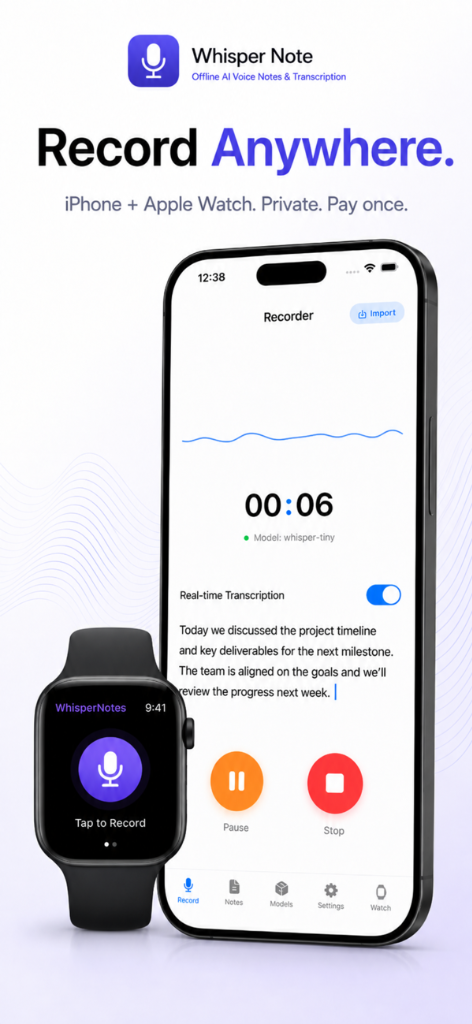
Whisper Notes suits iPhone, iPad, and Apple Watch users who want audio to remain on-device and need Markdown, SRT, OPML, or PDF exports without per-minute fees. Teams requiring browser editing, real-time collaboration, centralized administration, or automatic cloud sync should evaluate alternatives. Useful guidance states both fit and limitations.
Frequently asked questions
Can an offline voice memo app still back up audio to iCloud?
Yes, depending on the app and device backup configuration. Local transcription does not automatically disable cloud backup.
What is the risk of a one-time-purchase transcription app?
Check update history, OS compatibility, support, and major-version policy. Open exports reduce the cost of switching later.
Does Apple Watch transcribe recordings offline?
The Watch commonly captures audio and transfers it to iPhone for processing. The exact transfer and transcription path depends on the application.