Offline Speech-to-Text Guide: Models, Devices, Privacy, and Accuracy
Compare Whisper, Parakeet, and SenseVoice for on-device transcription and understand hardware, privacy boundaries, accuracy testing, and workflows across iPhone, iPad, and Mac.
Updated
Key takeaways
- True offline inference does not upload audio, but sync, analytics, and backups require separate checks.
- Choose models by language, hardware, task, accuracy, memory, energy, and speed together.
- Better recording and structured review often improve the final result more than the largest model.
What “offline speech-to-text” should mean
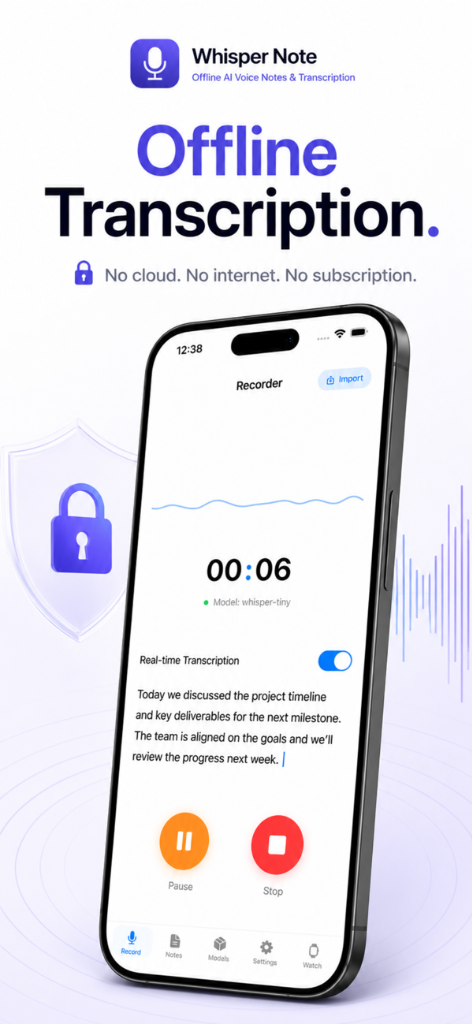
The model weights live on the device and audio feature extraction and inference complete locally without a transcription-server upload. Verify this by downloading the model, disabling network connections, and processing a new recording. Offline inference does not prove that crash reports, accounts, cloud backups, model updates, or other app features never use the network.
Local and cloud transcription trade-offs
Local processing reduces third-party copies, works without connectivity, and avoids per-minute inference charges, but consumes storage, memory, battery, and device time. Cloud systems simplify team collaboration and can run larger models, but require upload and ongoing service. Choose according to sensitivity, scale, collaboration, governance, and actual total cost.
Choose among Whisper, Parakeet, and SenseVoice
Whisper offers broad multilingual coverage; Parakeet V3 targets high throughput across its 25 listed European languages; SenseVoice focuses on Chinese, Cantonese, English, Japanese, and Korean with additional audio labels. Filter by supported language first, then benchmark the surviving models on the same real recordings.
Match iPhone, iPad, and Mac hardware to the job
Mobile devices are excellent for capture and short-to-medium files, while Mac usually sustains long and batch workloads better. Larger models need more storage, memory, energy, and cooling. Before a long job, free enough disk space, connect power, and keep iOS transcription in the foreground because background GPU work can be paused.
Use a repeatable recording-to-export workflow
Reduce echo and overlap before recording; select the correct language and model; verify names, numbers, dates, negations, and decisions; then export Markdown, SRT, OPML, or PDF according to the next tool. Retain source audio and timestamps for important work and record model version and human edits for traceability.
Privacy and security checklist
Check whether audio leaves the device, whether cloud backup is enabled, who can unlock the device, where exports go, and when temporary files are deleted. Device encryption, strong authentication, least-privilege sharing, and retention rules remain necessary. Local processing reduces transfer risk but does not grant recording consent or remove transcription errors.
Frequently asked questions
Must an offline speech model be downloaded first?
Usually yes. Model weights occupy local storage; after download, inference can run without a network connection.
Is offline transcription more accurate than cloud transcription?
Not inherently. Accuracy depends on the model, language, audio, and implementation. Offline and cloud describe processing location, not quality.
Can an older iPhone transcribe offline?
Often, but larger models may be slow or memory constrained. Start with a smaller model and a short representative recording.
How can I verify that audio is not uploaded?
Read the privacy documentation and run a new transcription after downloading the model and disabling all network connections. A strict audit requires deeper network or code inspection.